Press kit
Logos, screenshots and the facts for writing about PollQ. Use them freely in articles, event programmes and partner pages.
About PollQ
Short description (about 40 words)
PollQ is a free web app for live polls, Q&A and quizzes. A presenter shows a code, the audience answers from any phone with no app or sign-up, and results appear on the big screen as they come in.
Long description (about 130 words)
PollQ is a free web app for live polls, audience Q&A and quizzes in classes, meetings, events and conferences. A presenter shows a 6-digit code and a QR code; the audience answers from any phone, with no app to install and no sign-up. Results land on the big screen as votes come in. PollQ offers multiple choice, word clouds, ratings, rankings and timed quizzes with a leaderboard, plus moderated Q&A that spots repeat questions with AI. For conferences it runs multi-room agendas on one code, sponsor slides and opt-in contact sign-ups, and hosts can build events by chatting with Claude or ChatGPT. PollQ is made by Lukla Logic LLC and is free during early access.
Key facts
| Name | PollQ (one word, capital P and Q) |
|---|---|
| Website | pollq.app |
| Made by | Lukla Logic LLC |
| Price | Free during early access, with every feature included. See pricing. |
| For | Anyone who presents: teachers, team leads, meetup and event hosts, conference organizers and speakers |
| How it works | Attendees join at pollq.app with a 6-digit code or a QR code, from any phone or laptop. No app, no sign-up. |
| Features | Multiple choice, word clouds, ratings, rankings, timed quizzes with a leaderboard, moderated Q&A with AI duplicate detection, multi-room agendas, sponsor slides, CSV export and AI summaries |
| AI assistants | Hosts can create and run events from Claude, ChatGPT and other apps that support MCP |
| Scale | Tested locally with 2,000 simultaneous voters |
Logos
Use the horizontal logo where you can. On dark backgrounds, use the reversed version. Click a file to download it.
Horizontal logo
For light backgrounds

Horizontal logo, reversed
For dark backgrounds
Stacked logo
For square spaces
Symbol
Avatars and small spaces
App icon
Square, on PollQ red

One-color versions for print: black (SVG) and white (SVG).

Using the logo
- Leave clear space around it at least the height of the red answer dot.
- Keep it at least 16 px tall for the symbol and 96 px wide for the horizontal logo.
- Don't recolor, stretch, rotate, outline or add shadows to it, and don't rebuild the wordmark in another font.
Screenshots
Real product screens with sample data. Click one for the full-resolution file.
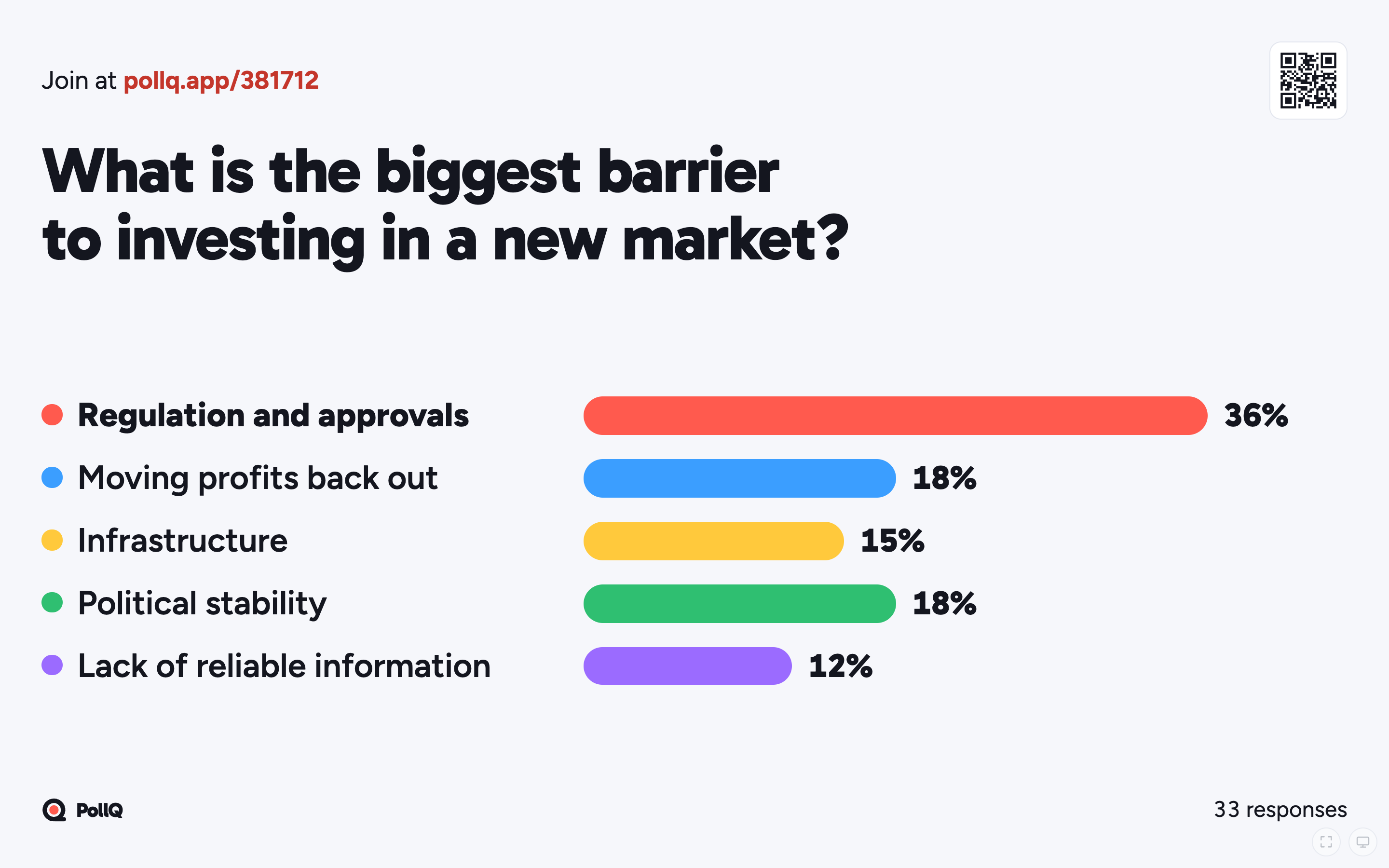
Live results on the big screen (light theme)
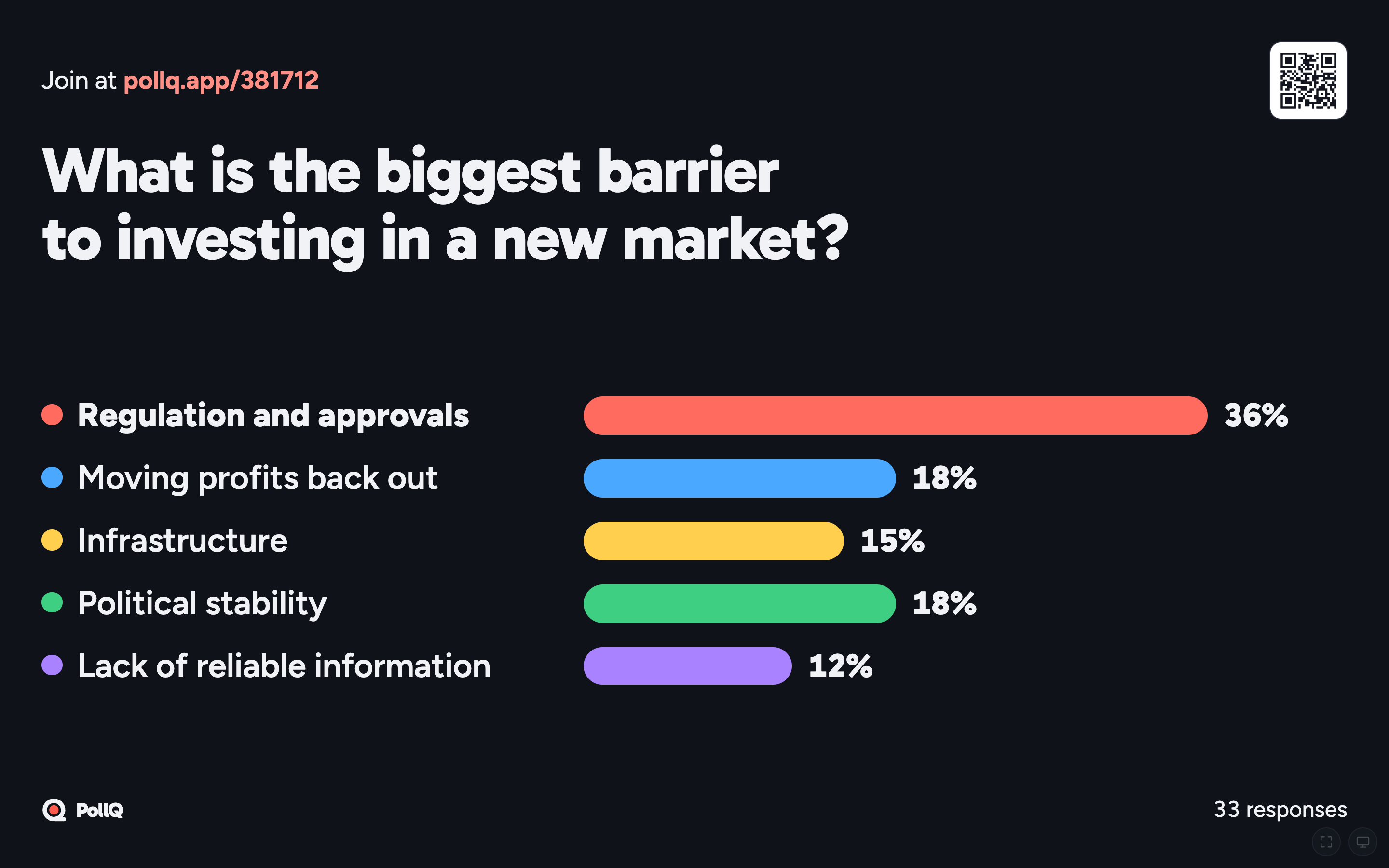
Live results on the big screen (dark theme)
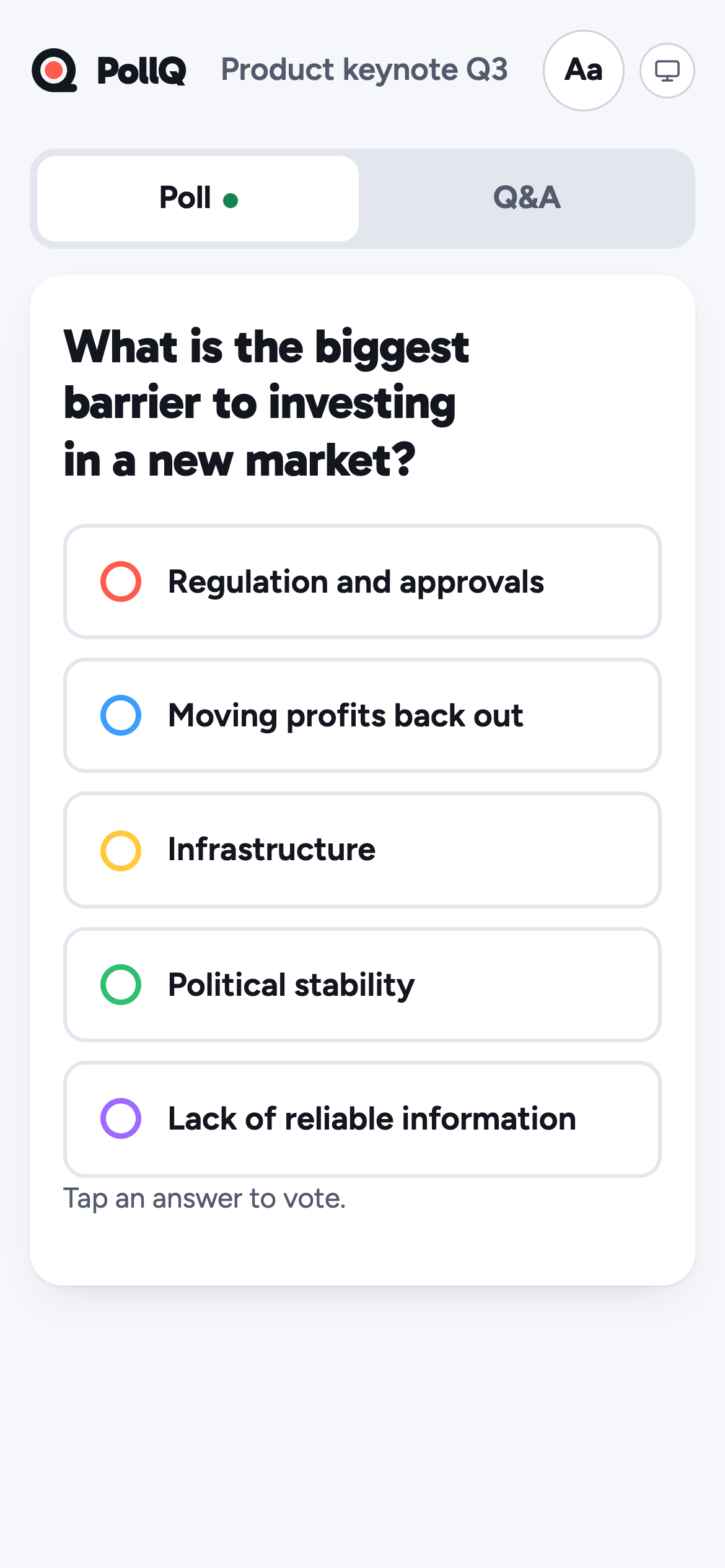
Voting from a phone, no app needed
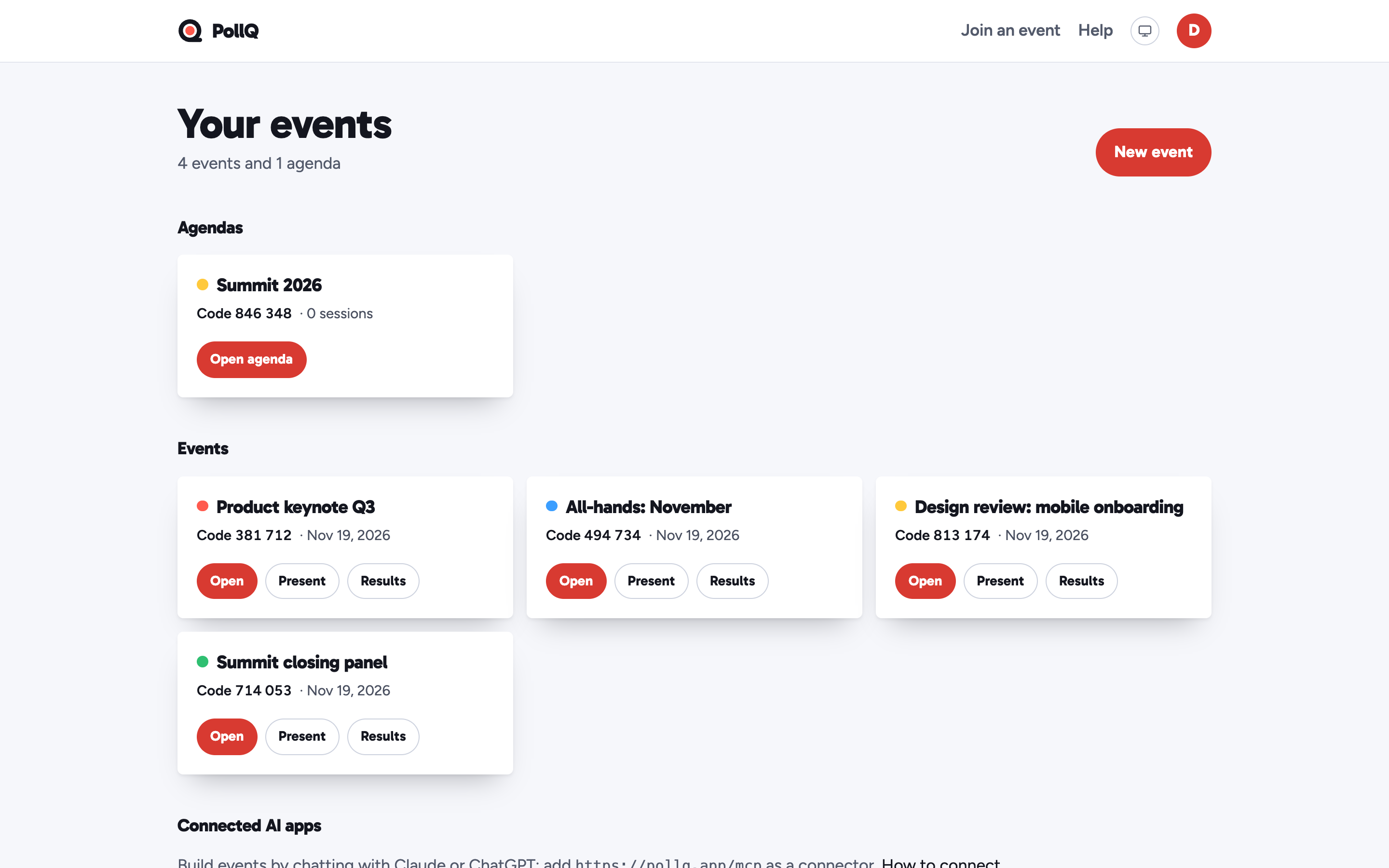
The host's events dashboard
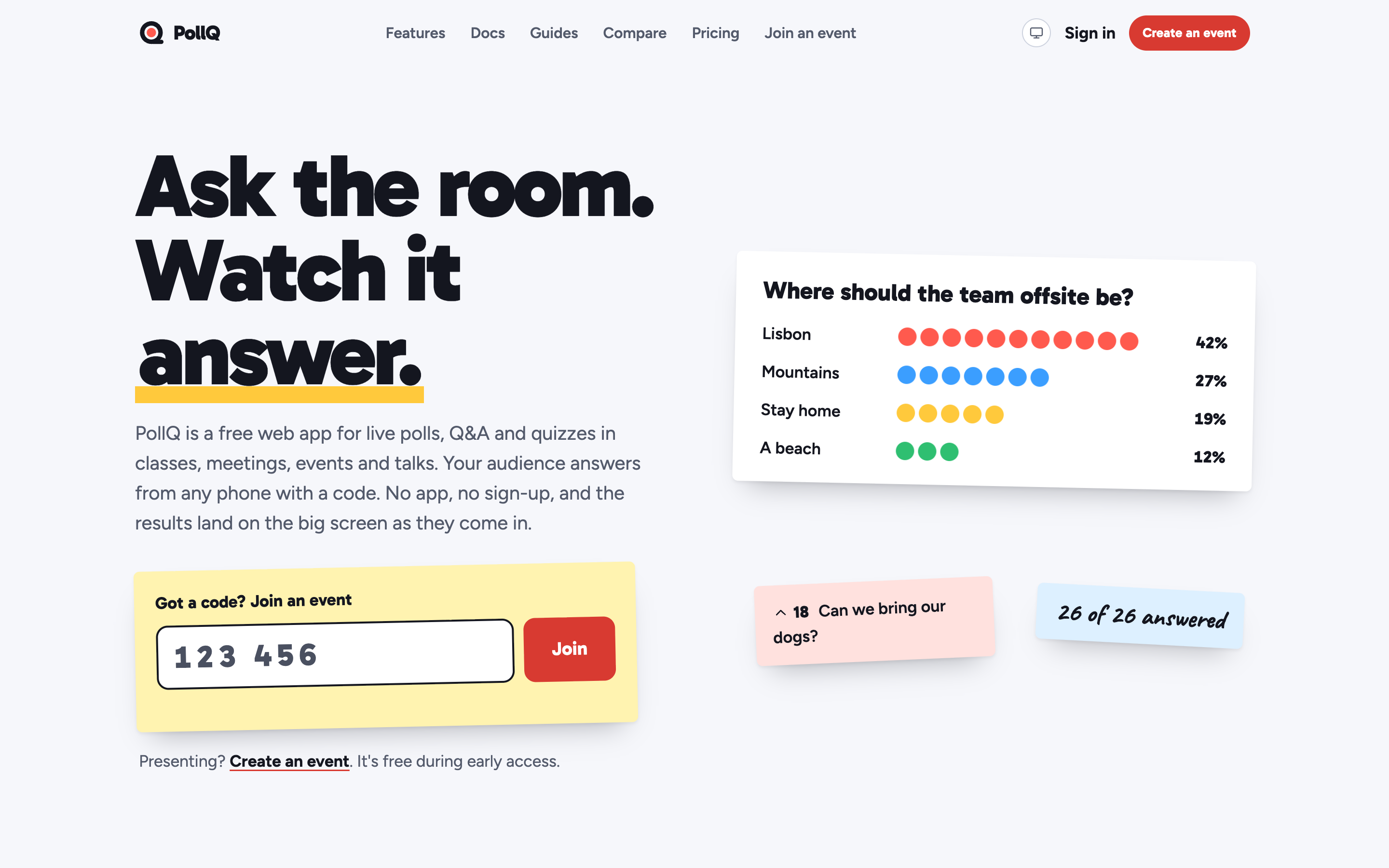
The pollq.app home page
Colors and type
- Action red
#D83A31
Buttons and the app icon - Tomato
#FF5A4E
The answer dot in the logo - Ink
#14161F
Text and the logo ring - Wall white
#F6F7FB
Page background - Sky
#3B9EFF
Answer color - Sunflower
#FFC93C
Answer color - Leaf
#2FBF71
Answer color
Headlines and the wordmark are set in Gabarito; body text in Figtree. Both are free fonts under the SIL Open Font License.
Press contact
For interviews, quotes or anything not on this page, email support@luklalogic.ai.